 English
 العربية
 Deutsch
 Español
 Français
 Italiano
 Português
 Русский
 Türkçe
 Tiếng Việt
How To Find And Choose The Typography For Your Website?
Where To Find Original Website Fonts, And Some Tips On How To Use Them Properly.
The typography of a website is an essential element of its visual identity. Today I'm showing you where to find original fonts, and give you some tips on how to use them properly.
The typography of a website is an essential element of its visual identity and Organic Seo of website. Indeed, one can for example make a site more “personal” by using a signature font here and there, or make it “professional blog or website” while remaining in the strict and minimalist typographies.
Yet, many sites still use the basic default fonts without worrying about trying to change them. Today I'm showing you where to find original fonts, and give you some tips on how to use them properly.
Rule of three in letterpress
Before starting, I would like to teach you a fundamental rule in web design. Never use more than three different typographies on a site. Often only using one or two and even recommended.
Indeed, placing too many different font styles within a site will make it look amateurish, messy. This is normal, since it denotes a lack of clearly defined visual identity, the hallmark of companies which do not care about their image, or which do not have the means to work on it. In general, such companies do not do a good job either.
There are thus three types of font selection policies at most:
- Text font. It is used for the paragraphs of the site and the various blocks of text. It can also be used for titles, just vary the font weight (make it bold) and size to create a contrast between the titles and the text.
- The title font. The title font can use a different typography than the text font, as long as the two go well together. Choose a font that contrasts with the text, but doesn't overdo it. It must also be legible.
- The decorative font. This font is perfectly optional, and should only be used by a seasoned web designer. It is a font that is used occasionally to add visual stimulus. The danger here is to overuse it.
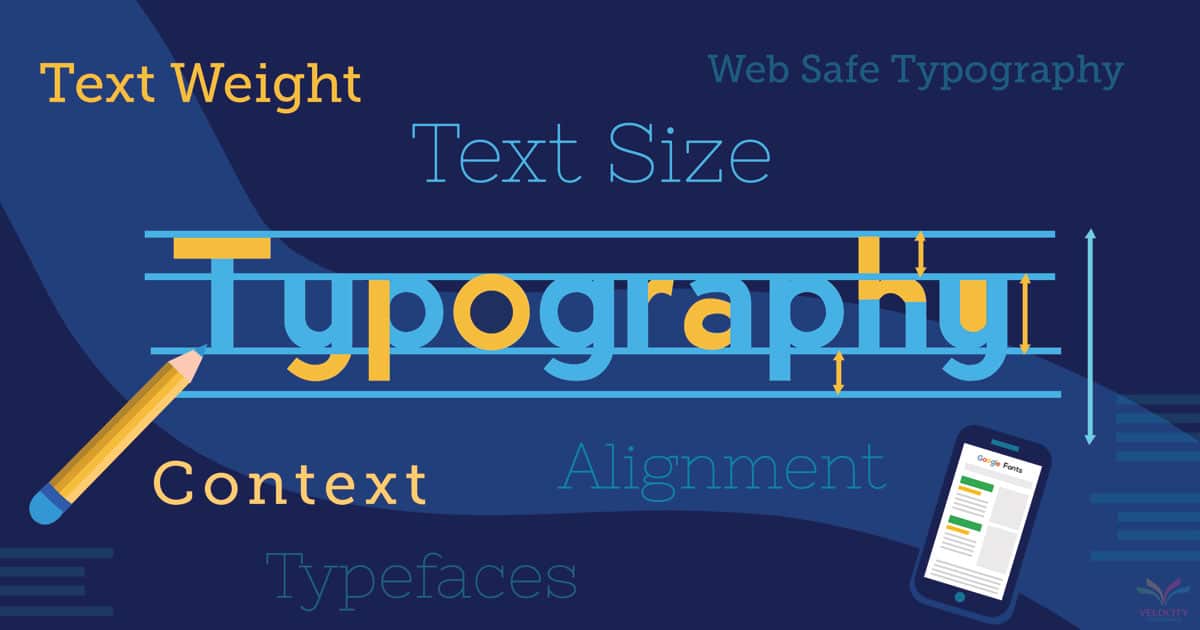
Find a font for your site
Many sites allow you to find fonts for your text. I'll give you my three favorites.
- Google Fonts is a site that will allow you to find free fonts. The library is large and integration with a WordPress site is often very easy. But for this reason, the typographies you find there will often be used by your competitors. That's not a big deal, but they're less unique than what you can find elsewhere.
- DaFont is a site that offers a large library of typographies. Some are free, others are tests. You have to pay close attention to the terms of use of each policy to stay on top of things. You will find original fonts there, but you will need to put in a bit of effort to integrate them into your website.
- Envato Elements is a subscription-based site that provides access to lots of resources (photos, graphics, etc.) including fonts. You will find really nice and unique typefaces there (since they are chargeable). As with the previous option, you will need to do a bit of work in order to integrate the fonts into your site, as they come as TTF, OTF, or WOFF format font files.
Pay attention to the weight
Before I let you dig into this, I wanted to talk to you about speed.
You know, a site should be as light as possible to load quickly. However, the fonts you use on your site carry weight! The user has to download them to their computer for use, like the images and the rest of the page. Of course, this happens automatically. Therefore, you should definitely limit the number of fonts you use on your site. Also be sure to check how much a font weighs before using it! Sometimes some typefaces are really too heavy compared to others, and it's not worth using them.

Jane Doe
CEO / Co-Founder
H-WebTools.com is created by Jane Dane, a passionate web developer and digital entrepreneur focused on building fast, secure, user-friendly online tools. With expertise in web technologies, SEO, and user-centered design, she simplifies digital tasks for professionals and casual users. The platform reflects her commitment to privacy, performance, and productivity through innovation.